
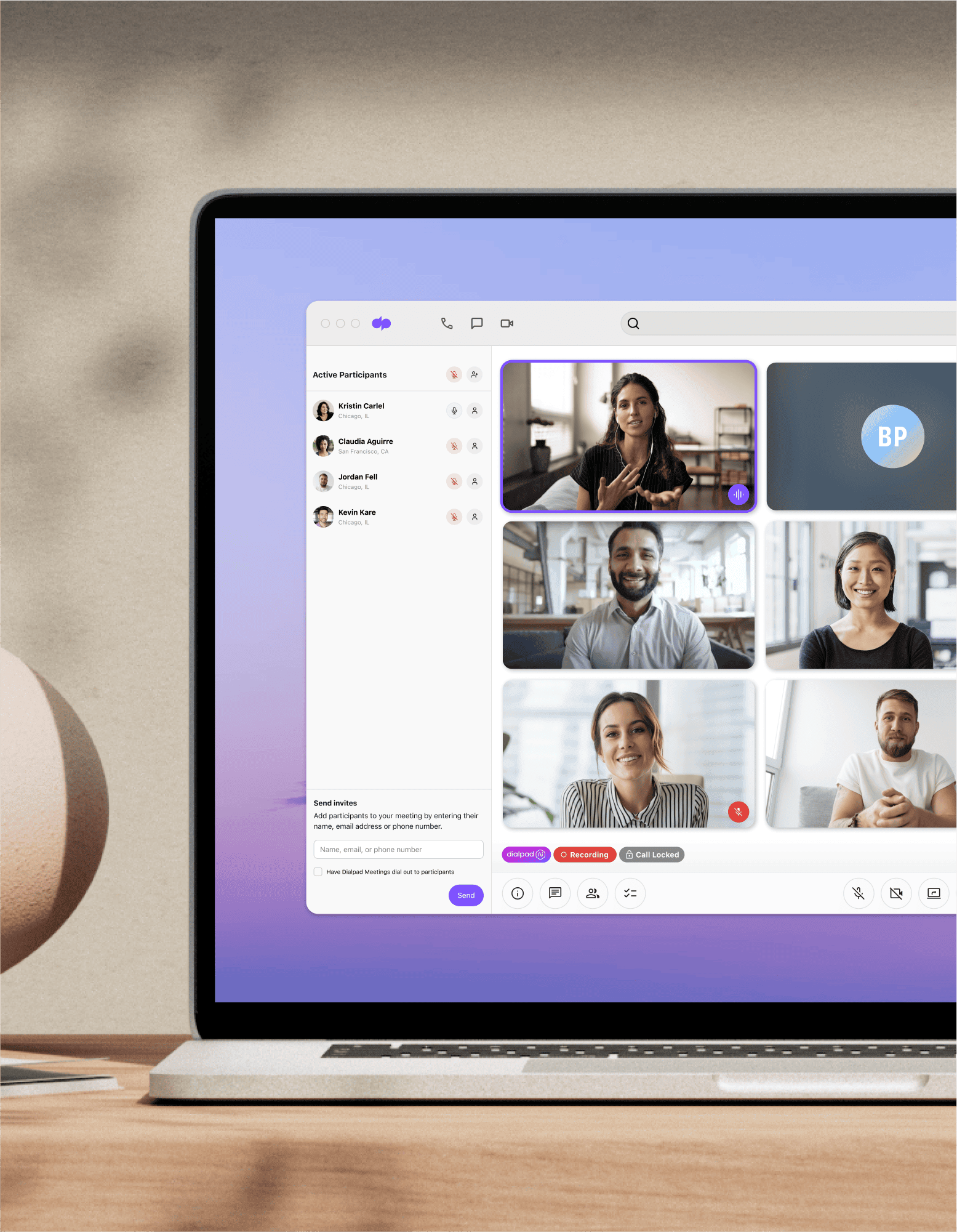
Web conferencing
Need to meet virtually with prospects, clients, and other people? Get started with business web conferencing by signing up for Dialpad's AI-powered collaboration platform. The free plan comes with unlimited video meetings!
If you’re working remotely, you’re probably no stranger to web-based conferencing. And with the way things are going, it’s safe to say virtual meetings are here to stay for the long term.
If you’re not familiar with the nuances of web conferencing tools, then good news, we’ll walk you through the different features to look for. You don’t need all of them for secure video conferencing with clients and colleagues, but we’ll talk about which ones are more important (and why).
First, let's do a quick refresher on what web conferencing is, before moving on to the top features you should look out for when choosing a web conferencing solution.
What is web conferencing?
Web conferencing might seem self-explanatory, but it's not your average conference call. The main difference is that web conferencing tools (you might also hear them referred to as web conferencing platforms or online meeting software) allow you to have face-to-face remote meetings or video calls over the Internet.
Dialpad Ai Meetings, for instance, is used by both large and small businesses alike to have team meetings, do virtual presentations, and so on—without all the participants needing to be in the same room.
What you get with Dialpad's plans
With Dialpad Ai Meetings' free web conferencing plan, you get:
- Unlimited video meetings
- Up to 10 participants per conferencing meeting
- Virtual backgrounds
- Unlimited audio recordings
- Instant joining via desktop or mobile browser, no downloads needed
- And more...
Instant calling, easy invites
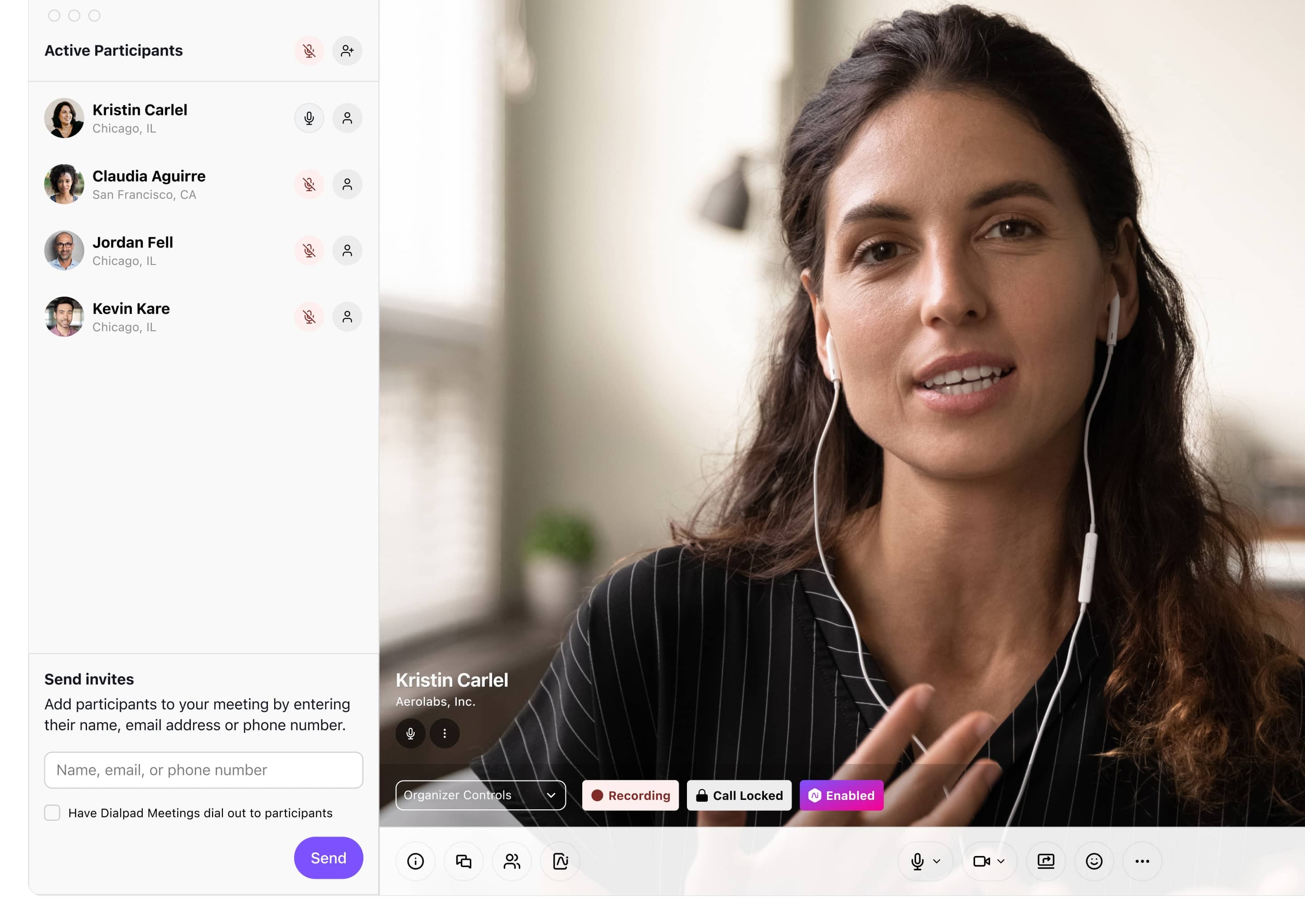
You never know when you might need to jump on a conference call or hangout. Customers and clients often come through with urgent, last-minute requests. With Dialpad, meeting participants can join a web conference just by clicking a link in the invite or dialling a number.
Any device, any time
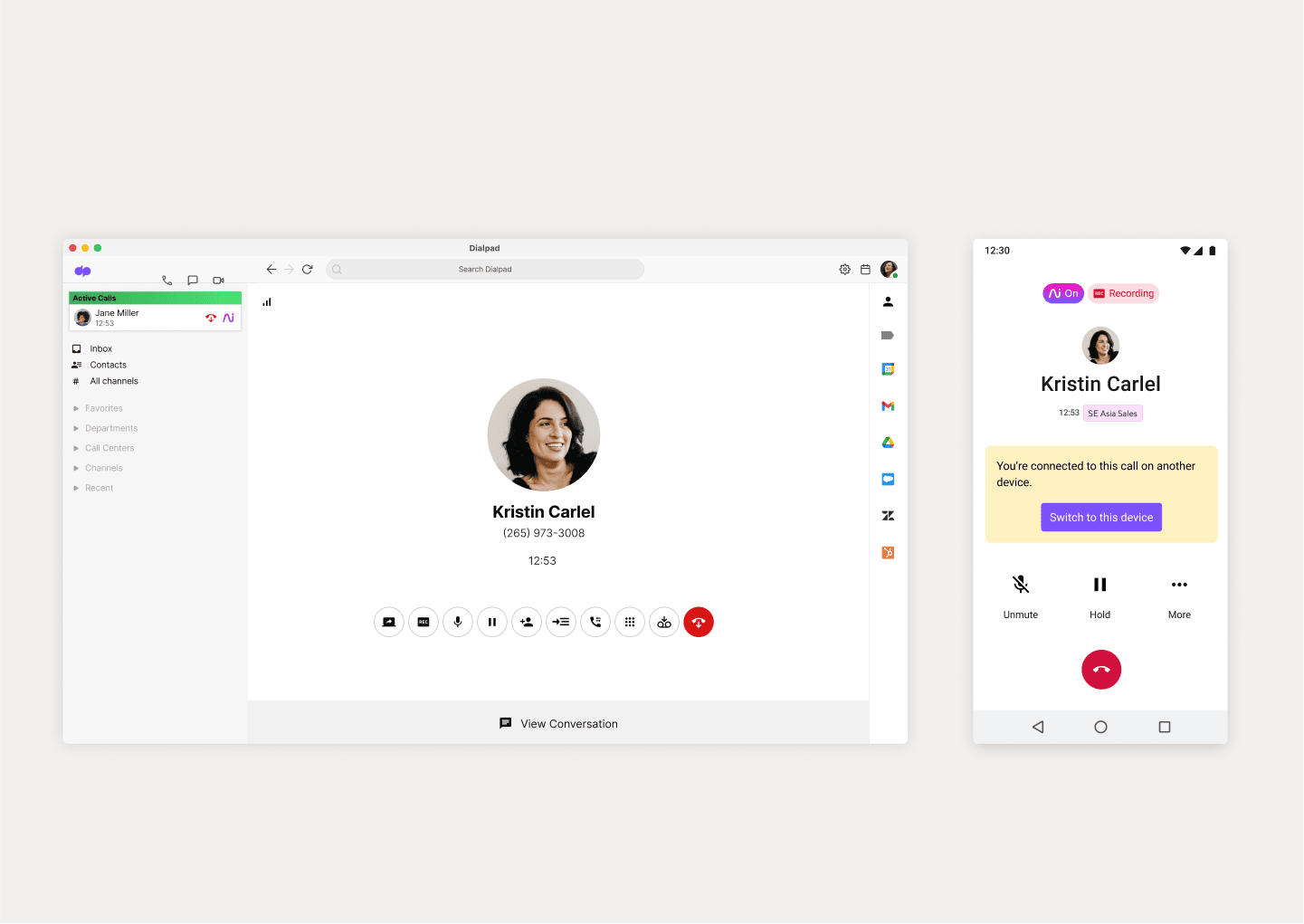
Get full functionality across your desktop and mobile devices. Dialpad’s desktop and mobile apps work across iOS, Android, Mac, and PC. Or, just use your web browser. (Most online conferencing platforms give you the option of using your browser too, but with significantly fewer features… because they want you in their app.)
👉 Dialpad tip:
More and more web-based conference platforms are saying that you can “join meetings from your browser,” which is great! But Dialpad’s web conferencing software is one of the very few truly browser-based online conferencing tools that let you start / host a meeting from your browser too—not just join from a browser.
Truly unified communications
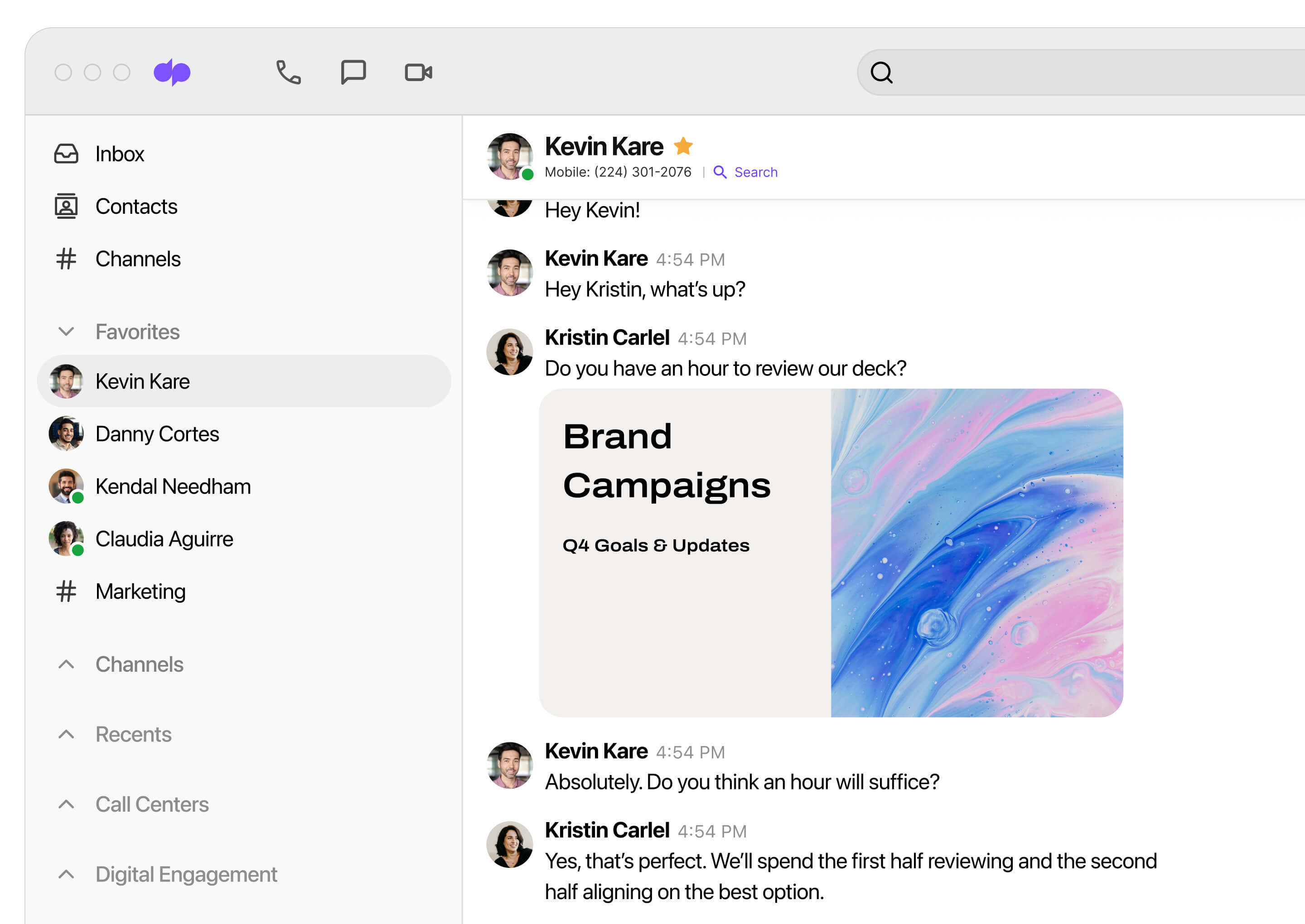
If you need phone calls or SMS and instant messaging in addition to having online meetings, then it's usually best to have a unified platform that has all those communication channels in one place. It's less expensive—and you won't have to manage or learn as many different tools. Dialpad's platform is designed to give you exactly that.
Screen sharing
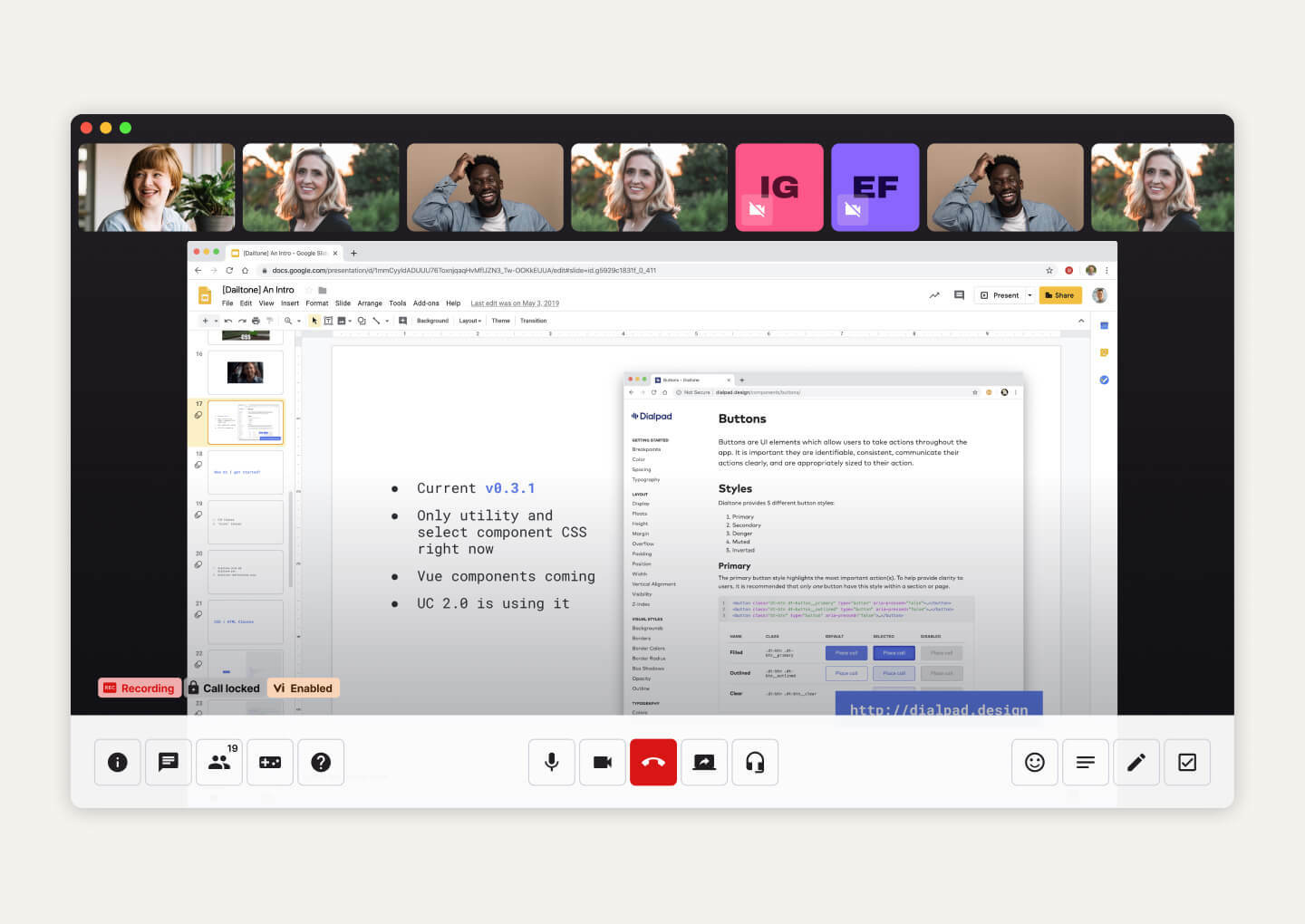
If you need to review designs in online meetings regularly, then screen sharing is a must. With Dialpad as a screen sharing app, it is unique in that you can share the link via SMS with say, a client—and they'd be able to join your screen share without downloading anything. Dialpad also integrates with Miro to allow for virtual whiteboarding. Make annotations, zoom in on a website mockup, and brainstorm together, virtually!
In-meeting chat
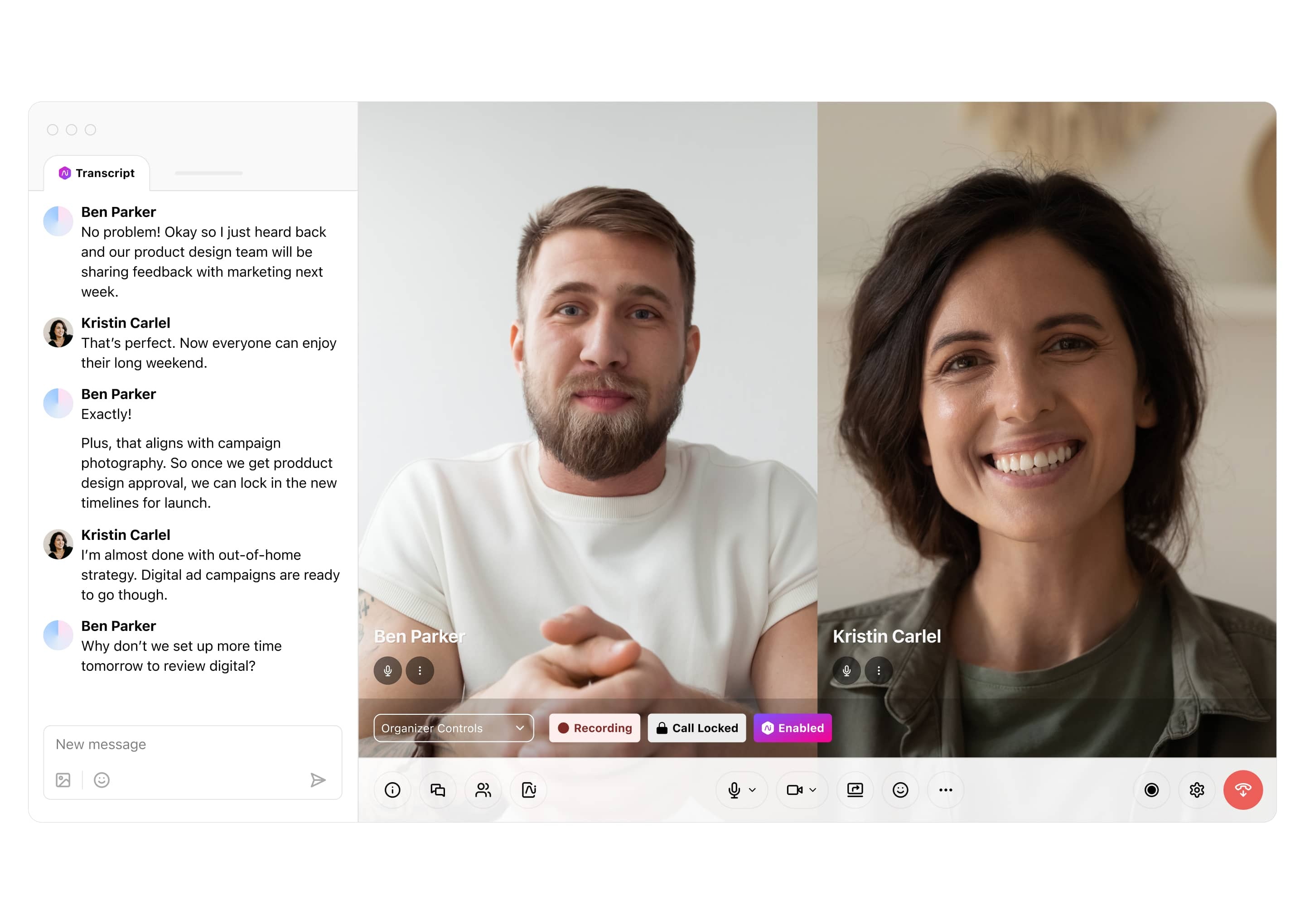
Let your attendees interact with each other during a conferencing meeting—without interrupting the speaker—with the in-meeting chat box and emoji reactions.
Flexible pricing options
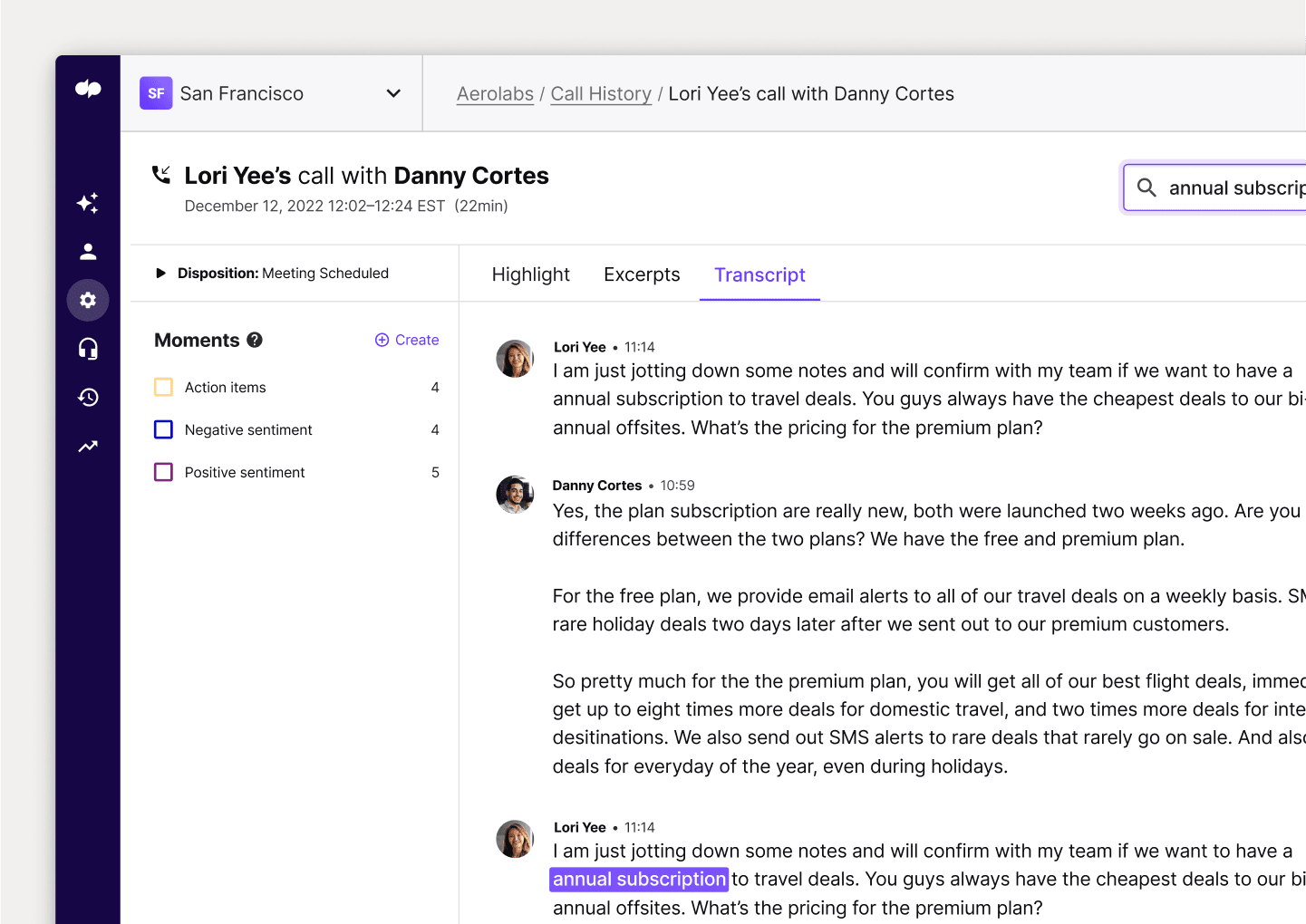
Dialpad has different pricing plans depending on what you need. With the Business plan, you get more advanced features like custom dial-in numbers, meeting transcriptions, and automated post-meeting summary emails.
Meeting recording
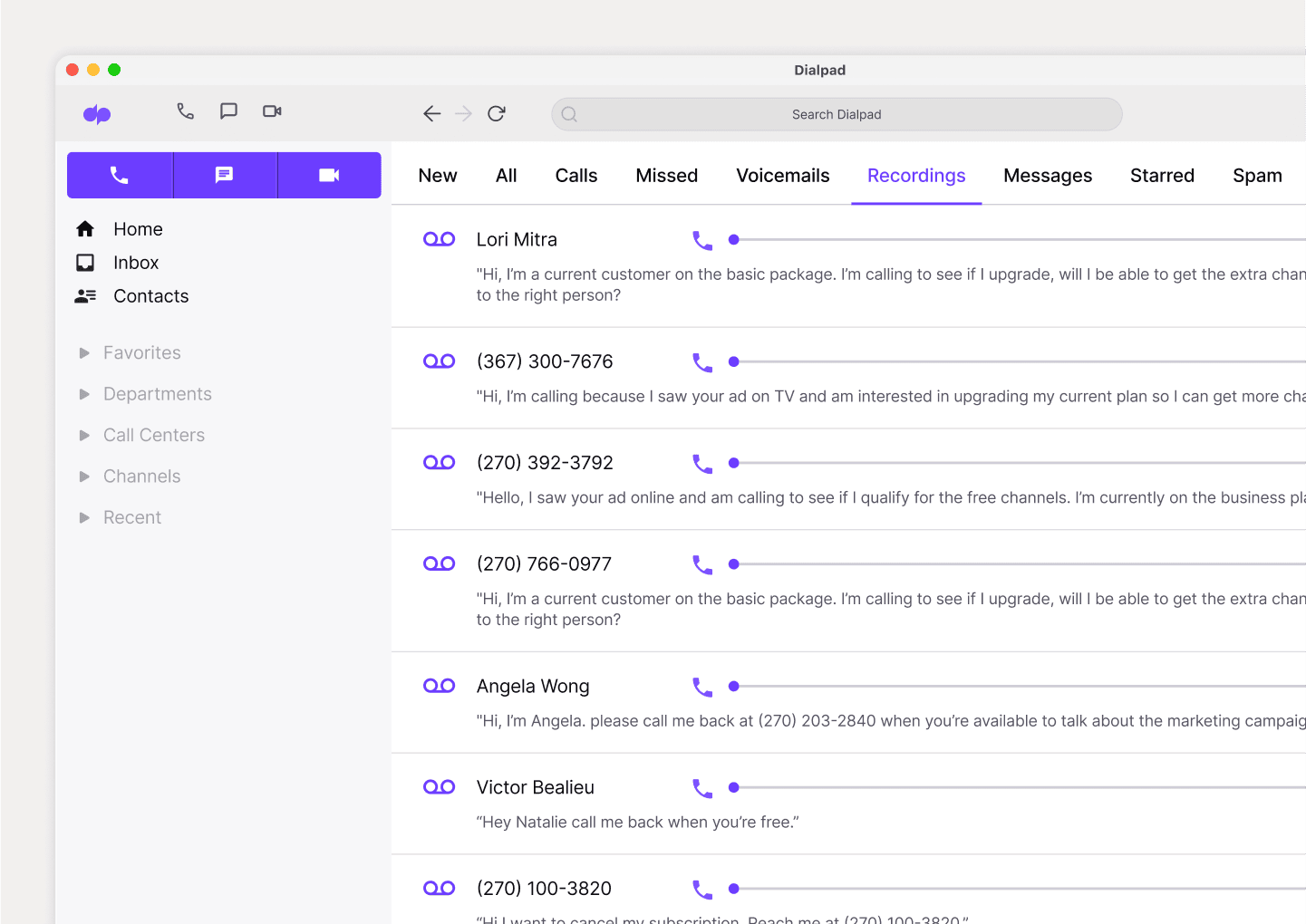
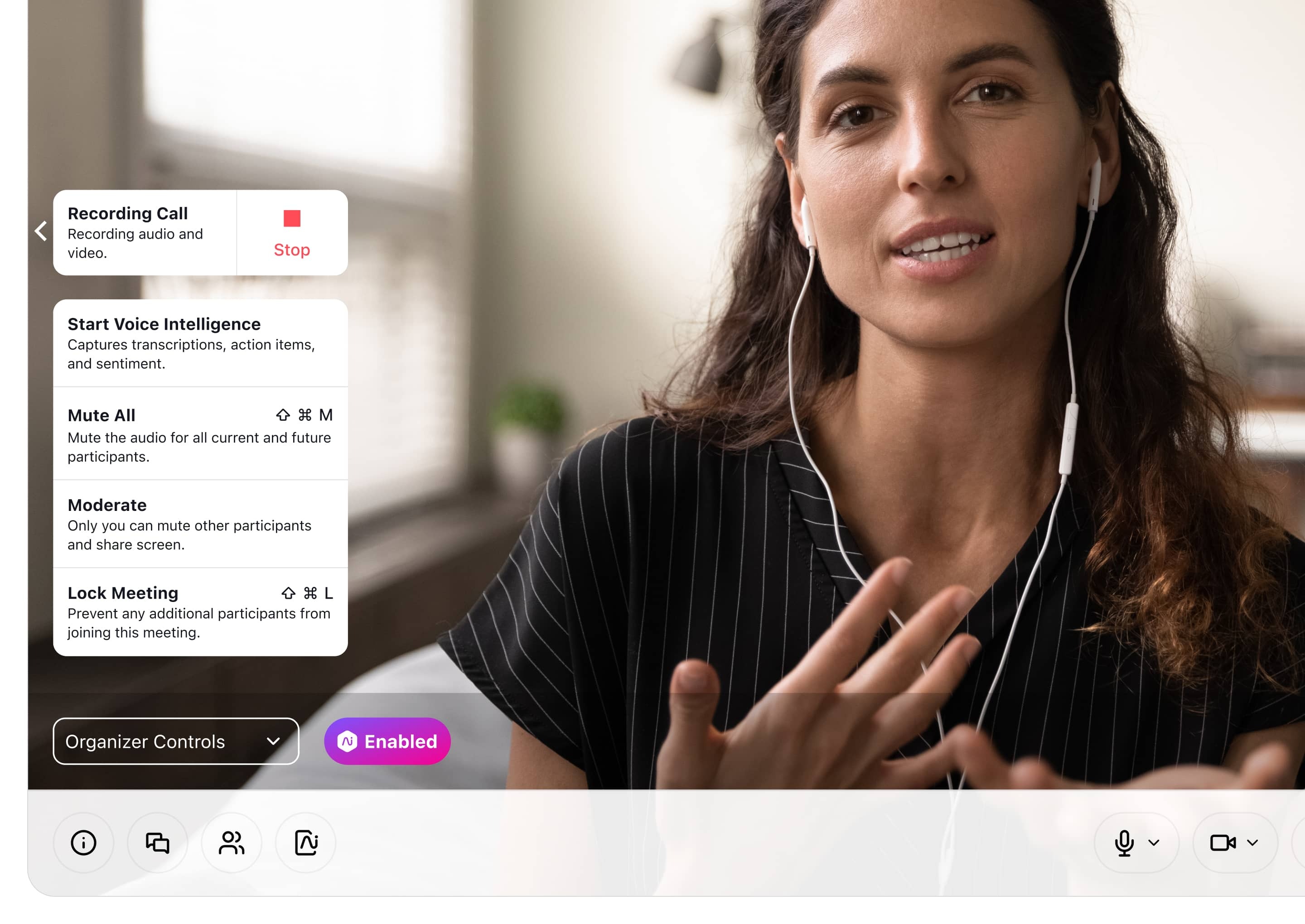
While it’s now much easier to arrange client meetings thanks to internet conferencing, there will still be times when not everyone can attend. That’s why, Dialpad has a meeting recording feature that lets you record and share recordings with people who couldn’t attend the call—or just as a way for people to review what you talked about in the meeting.
Robust security features
Dialpad has different ways of keeping your web-based conference safe. Lock your meeting, require a password, limit screen sharing, boot out unwanted guests, and more. Say goodbye to meeting crashers.
Integrations with your favorite tools
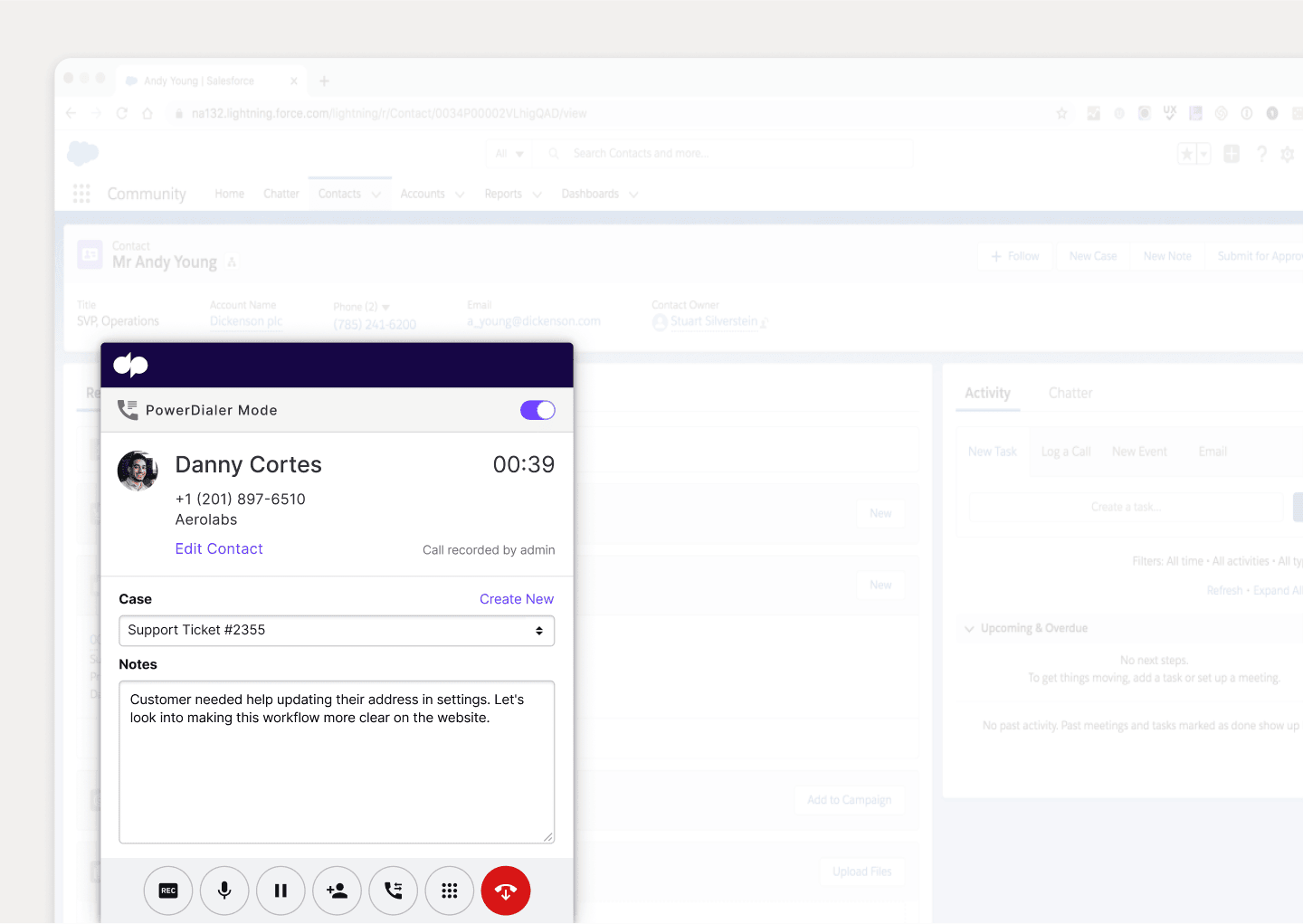
Dialpad integrates with a wide range of popular business software, including Google Workspace, Microsoft 365, Salesforce, and more to make scheduling video meetings and conference calls faster and easier. You can also create custom automations with its open API!
HD video quality
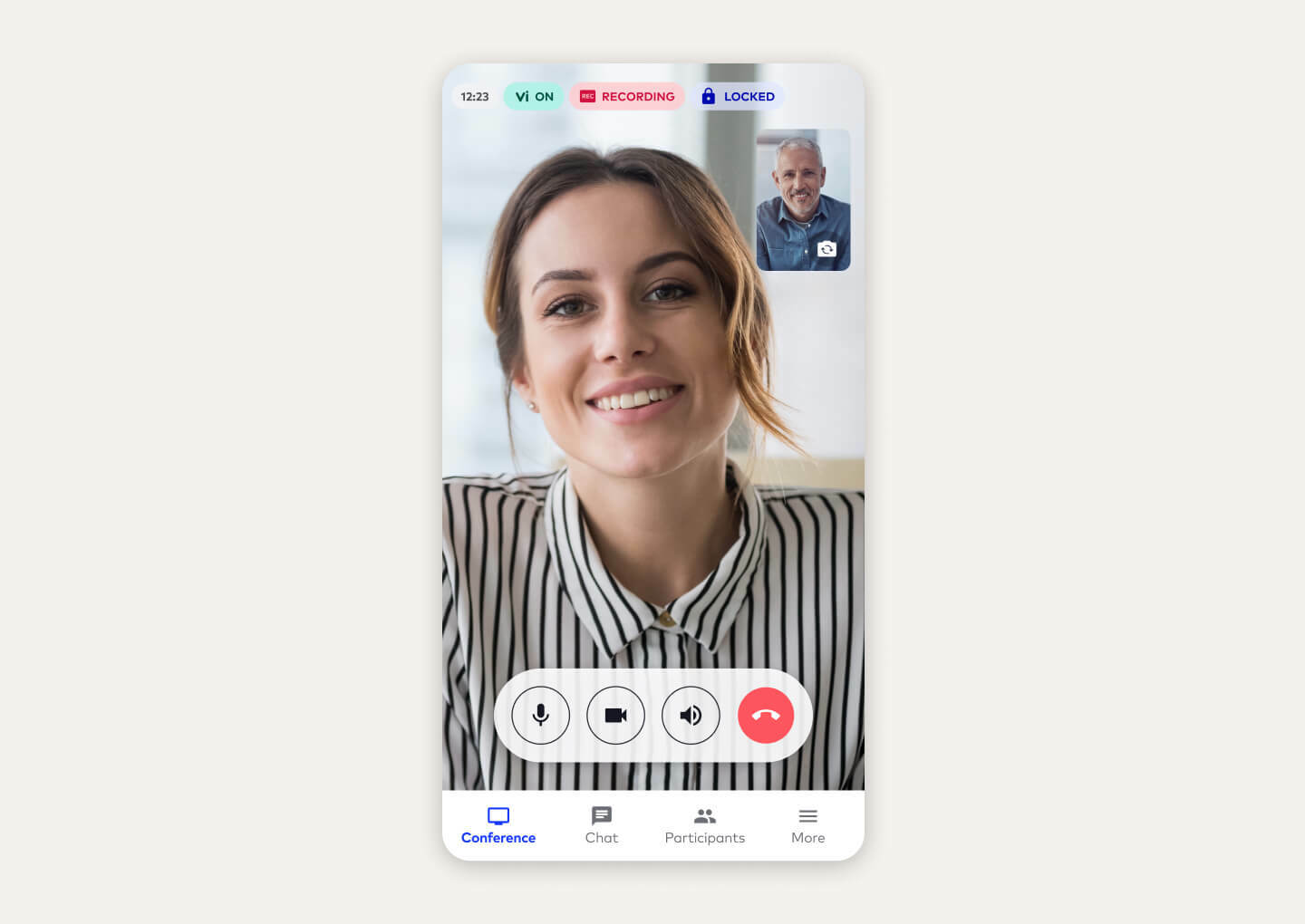
Dialpad is designed with crystal-clear video and audio quality in mind. That being said, if your team is working from home for good, make sure you have a good network! Dialpad’s collaboration with T-Mobile gives you lightning-fast 5G connectivity for the very best call quality… and it comes with our unified communications platform too, so you can call, video chat, and message to your heart’s content.
bonus
Integrated contact center platform
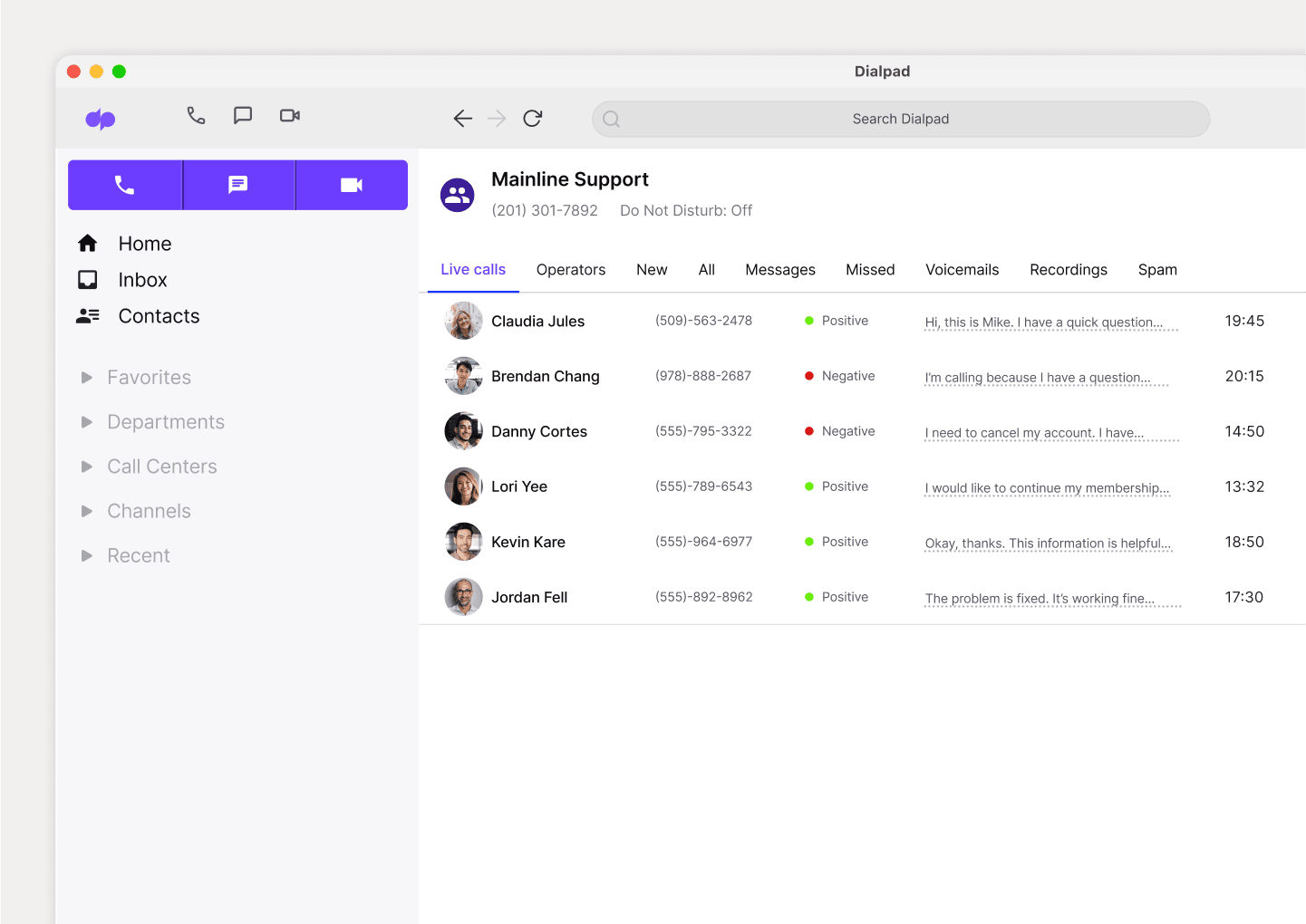
Did you know that Dialpad also has a contact center product? If you have a Customer Support or contact center team, you have the option of implementing Dialpad's AI-powered customer engagement platform as well, which is completely integrated with the unified communications app. One login, one account, one beautiful user experience.
Your own web conferencing platform in 3 easy steps
To have an actual web-based conference, you’ll need a webcam (or a built-in camera if your laptop has it) and a web browser or app at the very least.
Most web conferencing tools make you download a desktop or mobile app to run web meetings, but some, like Dialpad, let you have “browser-based” video conferences, which means you can just use your web browser as a virtual meeting room—instead of an app.
No matter which platform you choose though, conferencing meetings should be pretty intuitive. Let’s quickly walk through how to have a conferencing meeting using Dialpad as an example. (The general steps should be the same—provided you didn’t go with a ridiculously user-unfriendly tool…)
1. In your Dialpad app (or just log in on your web browser), select “Meet” video camera icon:
2. That will pop up a screen that lets you either put in someone’s number or choose their name from your list of contacts.
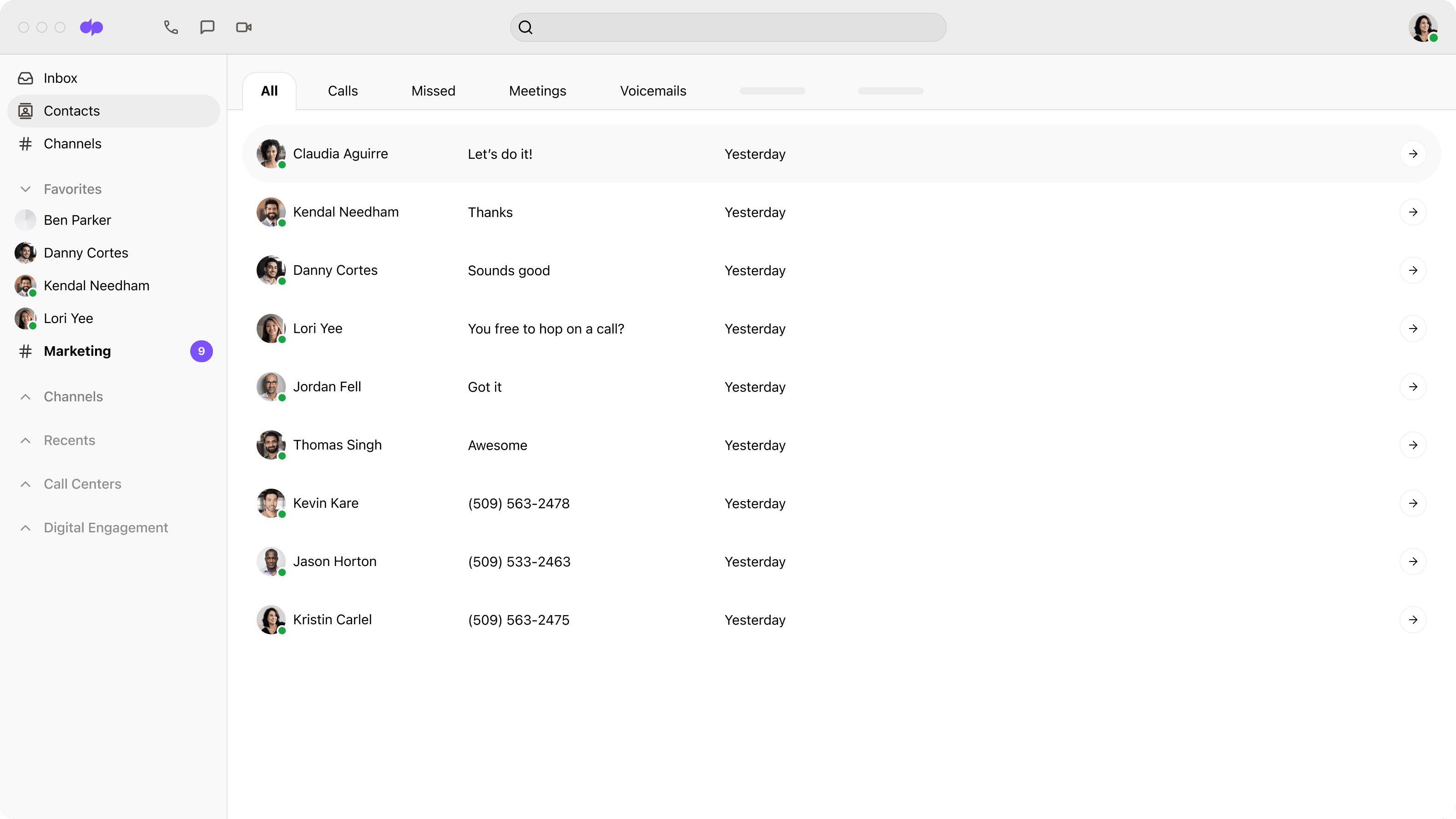
3. Once you’ve chosen the person (or people) you want to invite, hit Send. That’ll take you to your messaging conversation with them, with a new message that contains the conference invite for them.
Alternatively, you can also start a conference call straight away from a chat conversation (using the phone or video icon in the top right).
By the way… Did you know that with Dialpad, you can easily start a web call with prospects and clients too? Again, they don’t even need the app—they can join your meeting from a web browser.
But wait! You ask. How are they messaging me in Dialpad if they don’t have the app? Great question. Because Dialpad has SMS built right in, the messaging conversation that you see in the Dialpad app actually shows up as a text/SMS for them. So the invite that you see above will get sent to their phone via text—all they need to do is click the link included in the text message to join the video meeting.
FAQs about web conferencing
Are there different types of web conferencing?
There are three core types of meetings or collaborative events that may be described as web-based conferencing, and which businesses could benefit from. Webcasting works a bit like an online broadcast. A webcast involves transmitting audio-visual content over the internet to viewers.
Webinars involve conducting lectures or workshop-style presentations via the internet. Webinars are predominantly one-way interactions but may allow for some audience participation, too. The most interactive type of web conferencing is a web meeting. Web meetings are a lot like in-person meetings, except they take place virtually. There’s usually a high level of interaction during a web meeting. Participants will gather to collaborate on and discuss documents, projects, and presentations.